AutomationJune 21, 20269 min read
Unlock Your Team's Potential: Automate Repetitive Tasks in Notion with n8n
Streamline your Notion workflows and boost productivity with powerful n8n automation.
 Scope My Build
Streamline your Notion workflows and boost productivity with powerful n8n automation.
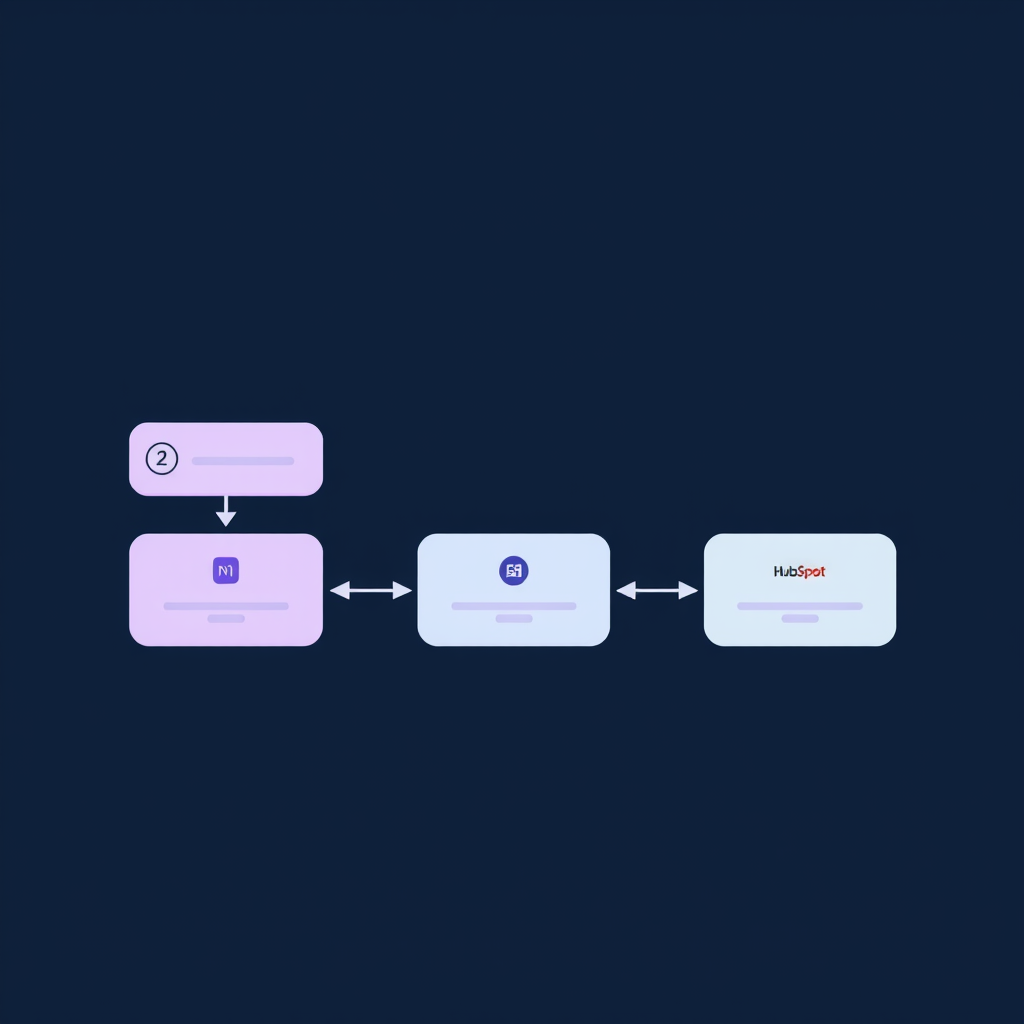
secret_...). Keep this secure.\n\n### Setting Up the Notion Node in n8n\n\nWithin n8n, you'll use the 'Notion' node. When configuring it, you'll need to provide your Notion API key. The node allows you to perform various operations:\n\n* Create Page: Add new entries to databases or create standalone pages.\n* Update Page: Modify existing pages or database entries.\n* Get Page(s): Retrieve data from Notion.\n* Query Database: Fetch specific items from a Notion database based on filters.\n* Delete Page: Remove entries.\n\n## Practical n8n Workflows for Notion Task Management\n\nLet's explore some concrete examples of n8n workflow automation for Notion task management.\n\n### Workflow 1: Automated Task Creation from New Leads (HubSpot to Notion)\n\nScenario: When a new lead is created in HubSpot, automatically create a corresponding task in a 'New Leads' database in Notion for the sales team.\n\nTools: HubSpot, n8n, Notion\n\nSteps:\n\n1. HubSpot Trigger: Use the 'HubSpot' node in n8n, configured with a 'New Object' trigger for 'Contacts'. This node will fire whenever a new contact is added to HubSpot.\n2. Data Mapping: Extract relevant information from the HubSpot contact (Name, Email, Company, Lead Source) using an 'Edit Fields' or 'Function' node in n8n.\n3. Notion Create Page: Use the 'Notion' node. Select the 'Create Page' operation. Configure it to point to your 'New Leads' database in Notion. Map the fields from the HubSpot contact data to the corresponding properties in your Notion database (e.g., 'Name' to 'Contact Name', 'Email' to 'Email', 'Company' to 'Company Name', 'Lead Source' to 'Source').\n4. Optional: Slack Notification: Add a 'Slack' node to send a notification to the sales channel in Slack, mentioning the new lead and linking to the newly created Notion page.\n\nOutcome: Sales reps are immediately notified of new leads directly within their Notion task management system, reducing response time and ensuring no lead falls through the cracks.\n\n### Workflow 2: Daily Task Summary and Reminders (Notion to Slack)\n\nScenario: Generate a daily digest of tasks due today or overdue from a Notion 'Tasks' database and send it to relevant team members via Slack.\n\nTools: n8n, Notion, Slack\n\nSteps:\n\n1. Schedule Trigger: Use the 'Cron' node in n8n to set the workflow to run daily at a specific time (e.g., 8:00 AM).\n2. Notion Query Database: Use the 'Notion' node with the 'Query Database' operation. Filter the 'Tasks' database for items where the 'Due Date' property is today or in the past, and the 'Status' is not 'Completed'.\n3. Data Processing (Function Node): Use a 'Function' node (or 'Function Item' for simpler cases) to format the retrieved tasks. Group them by assignee, create a clear summary string for each task (e.g., "- [Task Name] (Due: [Due Date])").\n4. Iterate and Send: If tasks are found, use an 'Item Lists' -> 'Split In Batches' node to group tasks by assignee. Then, use a 'Slack' node for each assignee, sending them their personalized list of tasks due today or overdue.\n\nOutcome: Team members receive timely reminders, improving task completion rates and project adherence. This proactive approach minimizes missed deadlines.\n\n### Workflow 3: Syncing Project Status (Notion to Google Sheets)\n\nScenario: Automatically update a Google Sheet with the status of key projects tracked in a Notion database for executive reporting.\n\nTools: n8n, Notion, Google Sheets\n\nSteps:\n\n1. Schedule Trigger: Use the 'Cron' node to run the workflow periodically (e.g., hourly or daily).\n2. Notion Query Database: Use the 'Notion' node to fetch all relevant project entries from your 'Projects' database. Include properties like 'Project Name', 'Status', 'Project Manager', 'Last Updated'.\n3. Google Sheets Upsert: Use the 'Google Sheets' node. Configure it for an 'Upsert' operation. Use 'Project Name' as the key column to match existing rows. Map the Notion properties to the corresponding columns in your Google Sheet. If a project exists, it updates; if not, it creates a new row.\n\nOutcome: A real-time, accurate dashboard of project statuses is maintained in Google Sheets, simplifying reporting and providing stakeholders with up-to-date information without manual intervention.\n\n## A Real-World Implementation: Automating Content Calendars\n\nAt Deepak Automation, we recently implemented a complex n8n workflow automation for Notion task management for a content marketing agency. Their challenge was managing a dynamic content calendar spread across multiple Notion databases (Blog Posts, Social Media, Email Campaigns) and ensuring timely creation, review, and publication.\n\nThe System:\n\n* Core Database: A central 'Content Calendar' database in Notion with properties like 'Content Title', 'Type' (Blog, Social, Email), 'Status' (Draft, Review, Scheduled, Published), 'Due Date', 'Assignee', 'Publication Date'.\n* n8n Workflow: A multi-step n8n workflow triggered by changes in the 'Content Calendar' database.\n\nKey Automations Engineered:\n\n1. Automated Review Assignments: When a 'Content Title' was added and 'Type' was set to 'Blog', and 'Status' was 'Draft', the workflow automatically assigned the task to the 'Content Reviewer' and set a 'Review Due Date' 3 days prior to the 'Publication Date'. This used the 'Notion' node (Query Database, Update Page) and a 'Function' node for date calculations.\n2. Slack Notifications: When a piece of content moved to 'Review' status, a notification was sent to the assigned reviewer in Slack, including a direct link to the Notion page. This involved the 'Notion' node (Get Page) and the 'Slack' node.\n3. Cross-Database Sync: If a 'Blog Post' was approved, the workflow automatically created associated 'Social Media Promotion' entries in a separate 'Social Media' database, pre-populated with the blog title and a link.\n4. Publication Reminders: 24 hours before the 'Publication Date', a reminder was sent to the content manager and the assigned social media manager.\n\nTools Used: n8n, Notion, Slack, Google Sheets (for fallback reporting).\n\nResults:\n\n* Time Saved: Estimated 15+ hours per week previously spent on manual tracking, assignments, and notifications.\n* Reduced Errors: Near-elimination of missed deadlines and incorrect assignments.\n* Improved Collaboration: Clearer communication and task visibility through integrated Slack notifications.\n* Faster Content Velocity: The team could publish content more consistently and efficiently.\n\nThis case highlights how sophisticated n8n workflow automation for Notion task management can yield significant operational improvements.\n\n## Beyond Basic Automation: Agentic AI and Advanced Integrations\n\nWhile the examples above focus on direct task automation, n8n's capabilities extend much further. We can integrate agentic AI models (like those from OpenAI via LangChain) to perform more complex tasks within your Notion workflows:\n\n* Content Summarization: Automatically summarize long articles or meeting notes stored in Notion.\n* Draft Generation: Use AI to generate initial drafts for blog posts or social media updates based on prompts stored in Notion.\n* Data Analysis: Analyze trends within Notion databases and generate insights.\n* Automated Email Responses: Trigger AI to draft responses to customer inquiries logged in Notion.\n\nThese advanced capabilities, combined with robust API integrations (e.g., connecting Notion to CRMs like HubSpot, ERP systems, or custom applications), create truly powerful, end-to-end automated systems. Our expertise at Deepak Automation lies in architecting and implementing these complex integrations.\n\n## Conclusion: Empower Your Team with Automation\n\nRepetitive tasks are a drain on your team's creativity and productivity. By leveraging n8n workflow automation for Notion task management, you can reclaim valuable time, reduce errors, and empower your team to focus on what truly matters. From simple data syncing to complex AI-driven processes, n8n provides the flexibility and power to tailor automation to your unique needs.\n\nIf you're looking to streamline your operations, eliminate manual bottlenecks, and unlock the full potential of your team and tools like Notion, it's time to consider a strategic automation approach. Let us help you engineer the perfect solution.\n\n## Ready to Automate?\n\nDon't let manual tasks hold your team back any longer. Discover how tailored automation can transform your workflows. Book a Free Automation Audit with our experts today and let's build a more efficient future for your business.Written by the HDX Automation engineering team, specialists in workflow automation, CRM integrations, API systems, reporting pipelines, and AI operations.
Connect with our engineers to draft a custom roadmap tailored specifically for your team's workflow.